How to Automate Twitter DMs Without Getting Banned: The Safe Guide
Learn how to automate Twitter DMs safely in 2025. Discover the account warm-up strategies, AI personalization techniques, and best practices that keep your account safe while scaling DM outreach.
Twitter DM automation is one of the most powerful lead generation strategies available when done correctly. The problem? Most people do it wrong. They blast identical messages, skip the warm-up period, and wake up to a suspended account.
In this guide, you'll learn exactly how to automate Twitter DMs without getting banned. We'll cover what triggers suspensions, the safe scaling framework, and the tools that do Twitter DM automation right.
Table of Contents
- Can You Automate Twitter DMs?
- What Gets You Banned on Twitter
- The Safe Way to Automate Twitter DMs
- Best Practices for Auto DMs That Get Replies
- Tools That Do Twitter DM Automation Right
- Step-by-Step Setup Guide
- FAQ
Can You Automate Twitter DMs?
Yes, absolutely. But the answer comes with a crucial caveat: you need to do it the right way.
Twitter's terms of service prohibit "spamming" and "platform manipulation," but they don't ban all automation. The platform actually expects businesses to use tools for managing communications at scale. The line between acceptable Twitter DM automation and spam comes down to:
- How you warm up your account before outreach
- How personalized your messages are (or aren't)
- How quickly you scale your activity
- How you balance automation with authentic engagement
Think of it this way: Twitter's algorithms are designed to detect and punish behavior that hurts user experience. If your automated DMs feel like spam to recipients, Twitter will treat them like spam. If they feel like genuine, valuable outreach even at scale, you'll be fine.
The companies successfully running Twitter DM automation aren't using secret hacks. They're following a systematic approach that prioritizes quality over quantity.
What Gets You Banned
Before we cover the right way to automate Twitter DMs, let's be crystal clear about what triggers account suspensions. Understanding these red flags is essential for safe Twitter DM automation.
Aggressive Following and Unfollowing
Twitter closely monitors follow/unfollow patterns. If you're following hundreds of accounts per day only to unfollow them when they don't follow back, you're signaling manipulation.
The Danger Zone:
- Following more than 100-200 accounts per day
- Unfollowing large numbers of accounts in short bursts
- Follow-to-follower ratios that look unnatural
- Rapid fluctuations in your following count
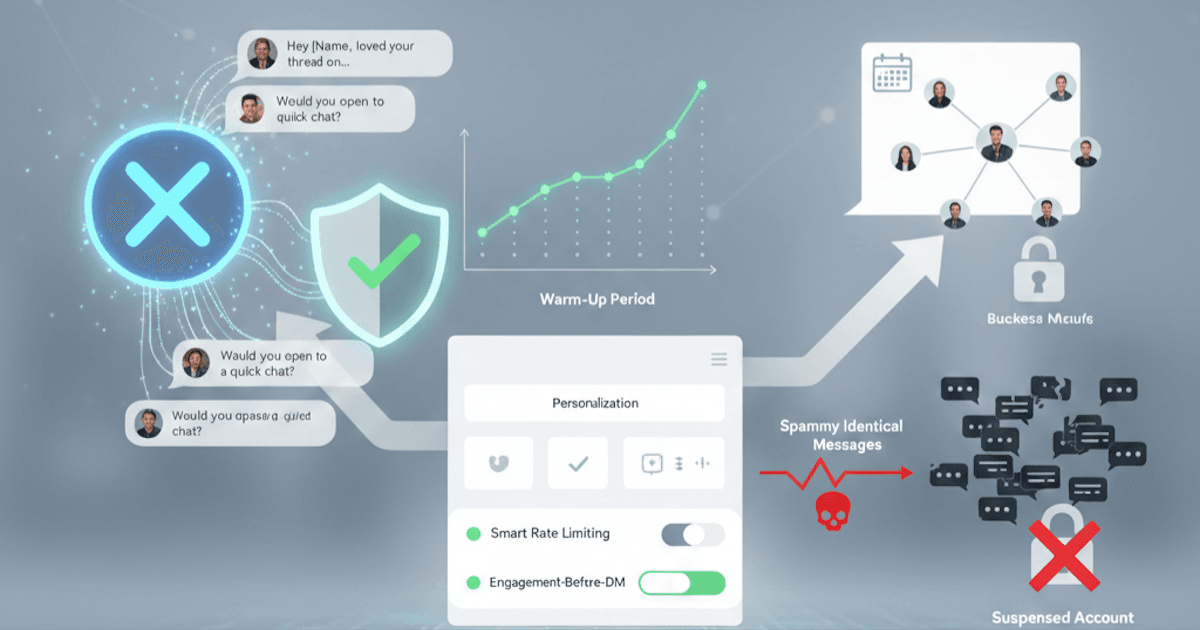
Spammy Identical Messages
This is the fastest way to get banned when automating Twitter DMs. When Twitter's spam detection sees the same message sent to dozens of accounts, it's game over.
What Triggers Detection:
- Copy-paste messages with no personalization
- Messages that differ only by the recipient's name
- Template messages sent in rapid succession
- High volumes of messages with identical structure
Suspicious Links and Link Shorteners
Twitter is extremely wary of links in DMs, especially from accounts without established trust.
Red Flags:
- Link shorteners (bit.ly, tinyurl, etc.) in DMs
- Links to unknown or low-reputation domains
- Links in your very first message to someone
- Multiple links in a single message
No Warm-Up Period Before Automating Twitter DMs
New accounts or accounts suddenly changing behavior patterns trigger immediate scrutiny. Twitter's systems are designed to catch accounts that go from zero to bulk messaging overnight.
Risky Patterns:
- New accounts sending DMs within the first week
- Established accounts suddenly increasing DM volume 10x
- Accounts with no engagement history starting outreach
- Dormant accounts reactivating with mass messaging
Ignoring Twitter Rate Limits
Twitter has undisclosed rate limits that change regularly. Exceeding them even once can trigger temporary locks or permanent suspensions.
General Safe Limits for Twitter DM Automation:
- DMs: Start at 15-20/day, max 50-75/day for established accounts
- Follows: 50-100/day maximum
- Likes: 100-200/day maximum
- Overall actions: Stay under 500 combined actions/day
The Safe Way to Automate DMs
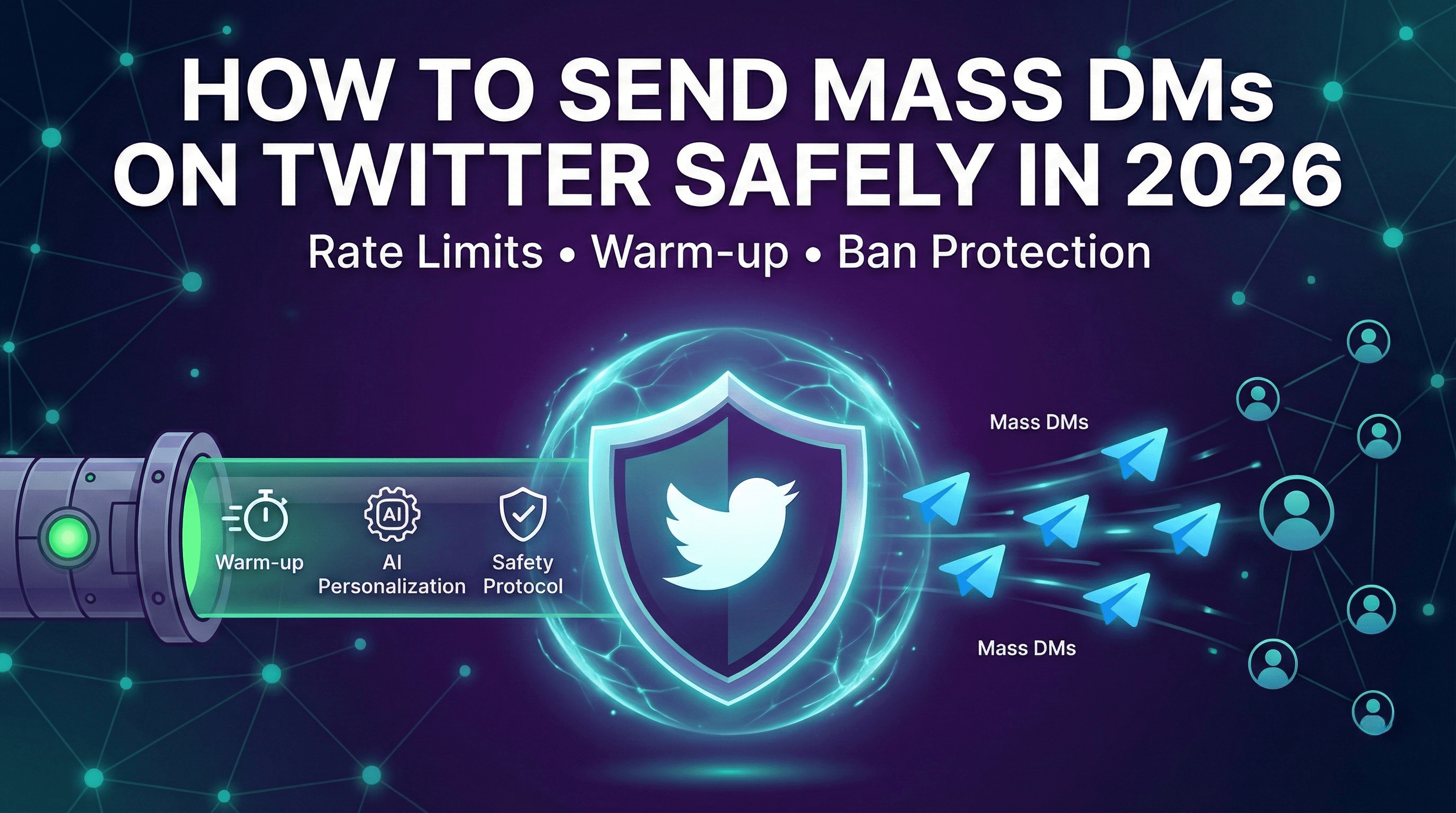
Now for the framework that actually works. This approach to Twitter DM automation takes patience but delivers consistent results without risking your account.
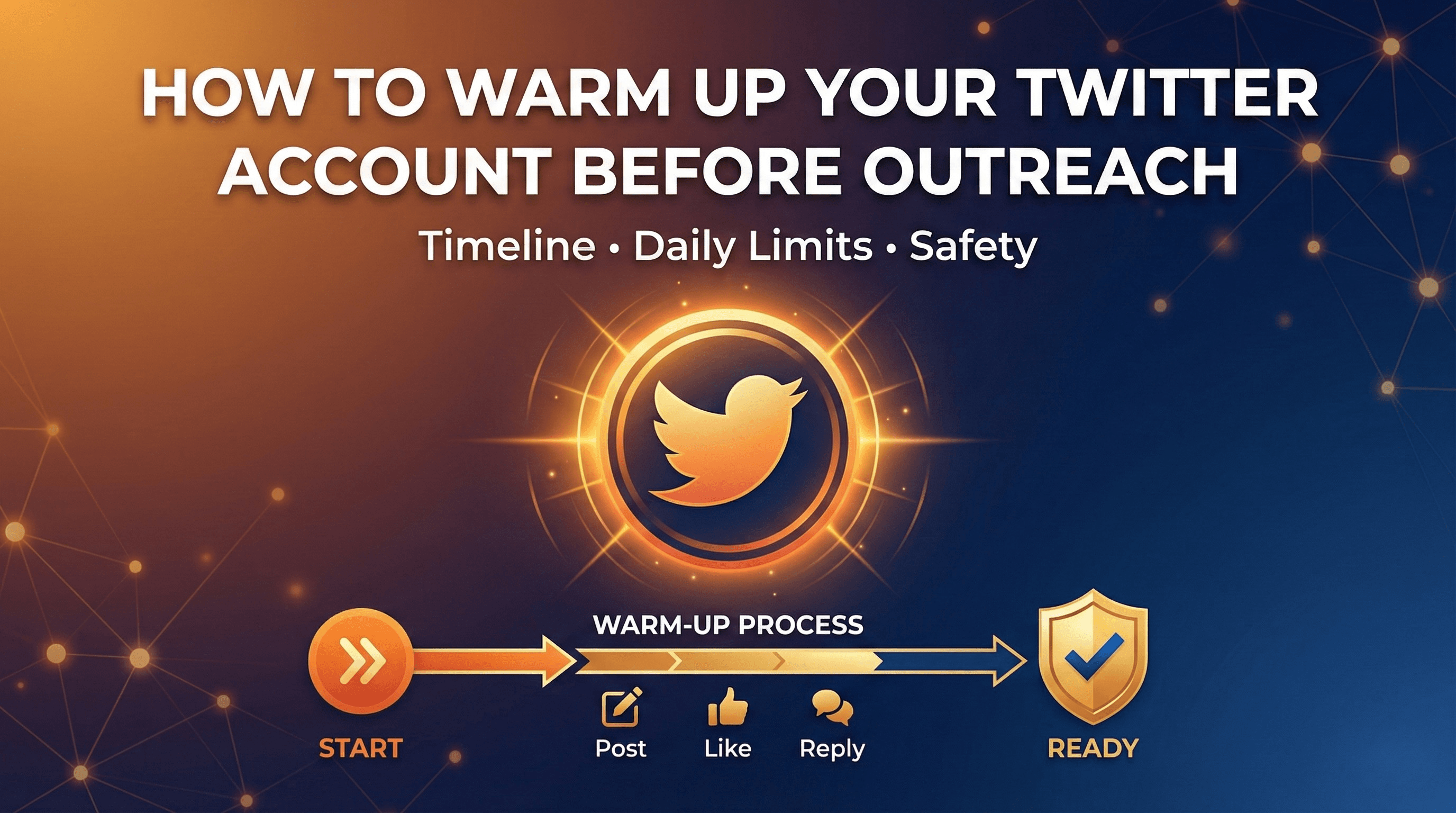
Phase 1: Account Warm-Up Before Automating Twitter DMs (Weeks 1-2)
Before sending a single automated DM, your account needs to establish legitimate activity patterns.
Week 1: Foundation Building
- Complete your profile 100% (photo, header, bio, location, website)
- Post 2-3 original tweets per day
- Like 10-15 tweets in your niche
- Reply thoughtfully to 5-10 tweets
- Follow 10-20 relevant accounts
Week 2: Establishing Patterns
- Increase posting to 3-5 tweets per day
- Engage with your new followers' content
- Join conversations in your industry
- Start a few DM conversations manually (with people who engage with you)
The goal is creating a baseline of normal, human activity. Twitter's algorithms need to see that you're a real user who engages naturally before they'll trust your automated activity.
Phase 2: Gradual Scaling of Twitter DM Automation (Weeks 3-4)
With your account warmed up, you can begin automated outreach. Slowly.
Week 3: Initial Twitter DM Automation
- Start with 10-15 automated DMs per day
- Continue all organic engagement activities
- Monitor for any warning signs (rate limits, reduced reach)
- Track response rates to optimize messaging
Week 4: Controlled Growth
- Increase to 20-30 DMs per day
- Add follow-up sequences for non-responders
- Maintain 50%+ of your activity as organic engagement
- Adjust based on response rates and account health
Phase 3: Full Twitter DM Automation with Guardrails
After a successful ramp-up period, you can scale further while maintaining safety.
Sustainable Twitter DM Automation Looks Like:
- 40-75 personalized DMs per day maximum
- Automated warm-up engagement before each DM
- AI-powered personalization for every message
- Built-in delays that mimic human behavior
- Continued organic posting and engagement
- Automatic pause if rate limits are detected
The Engagement-Before-DM Strategy
The most important tactic for safe Twitter DM automation: engage with prospects before you message them.
Here's the sequence that gets 30-40% response rates:
- Day 1-3: Like 2-3 of their tweets
- Day 4-5: Reply to one of their tweets with something valuable
- Day 6-7: They may start recognizing your profile picture
- Day 8+: Send your DM. Now it's warm, not cold
When someone receives a DM from an account that's been engaging with their content, it feels like a natural next step in a relationship. When they get a DM from a stranger, it feels like spam.
Best Practices for Auto DMs That Get Replies
Even with perfect Twitter DM automation safety, your results depend on message quality. Here's what separates 5% response rates from 40% response rates.
Never Include Links in Your First Automated DM
Links in cold DMs are the fastest way to look like spam to both Twitter and your recipients.
Instead:
- Focus on starting a conversation
- Mention your offer without linking to it
- Wait for a response before sharing resources
- If they express interest, then share links
Keep Automated Twitter DMs Under 5 Sentences
Walls of text don't get read. Respect your prospect's time with concise messaging.
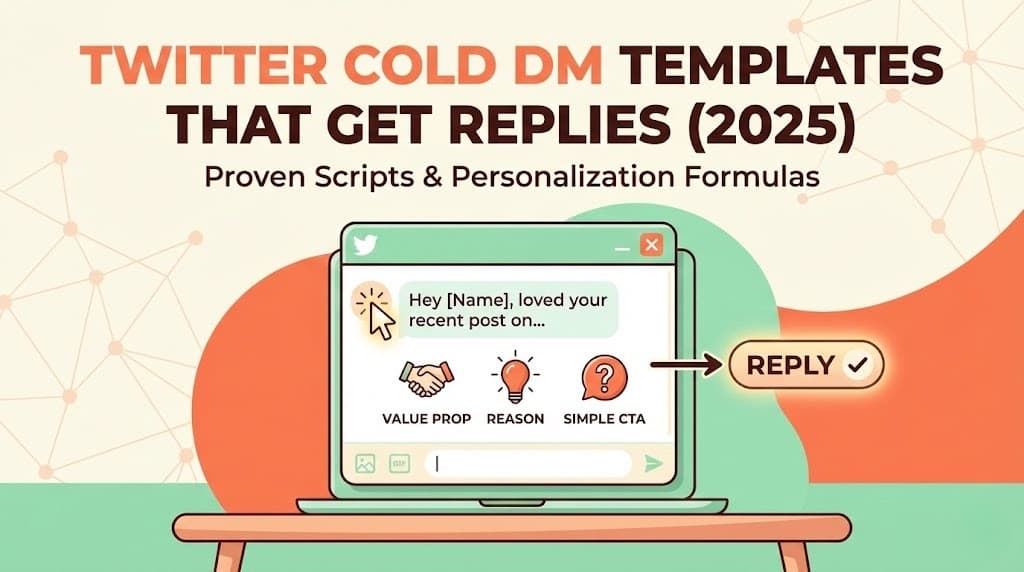
Effective Structure:
[Personalized opener referencing their content]
[Why you're reaching out]
[The value you offer - 1 sentence]
[Simple question or CTA]
Example:
Hey [Name], loved your thread on scaling sales teams, especially the point
about hiring for curiosity over experience.

We're helping B2B sales teams book 3-5x more meetings through AI-powered
Twitter outreach.

Would you be open to a quick chat about how we could help [Company]?
Mention Something Specific in Your Automated Twitter DMs
Generic messages like "I noticed you're in [industry]" fool no one. Real personalization references something unique to that person.
Strong Personalization Triggers:
- A specific tweet they wrote (with your reaction to it)
- A company announcement or milestone
- Their background or career transition
- A mutual connection or shared interest
- Their content or thought leadership
Weak Personalization (Avoid):
- Just using their first name
- Mentioning their industry generically
- Noting their job title
- "I see you're the [role] at [company]"
Match Their Communication Style
Some prospects are formal, some are casual. Some love emojis, some hate them. Mirror their style for higher response rates.
Before sending, check:
- How do they write their tweets?
- Do they use emojis?
- Are they formal or conversational?
- What topics do they engage with most?
Ask Easy Questions in Automated Twitter DMs
Your first DM should prompt a simple response, not require deep thought.
Good Questions:
- "Would you be open to a quick chat?"
- "Does this sound like something worth exploring?"
- "Is this a priority for your team right now?"
Questions That Kill Response Rates:
- "What are your top three challenges with lead generation?"
- "How does your current process for X work?"
- "What would you need to see to consider switching tools?"
Tools That Do Twitter DM Automation Right
Not all Twitter automation tools are created equal. Many older tools will get your account banned because they weren't designed for Twitter's modern detection systems.
Safety Features to Look For in Twitter DM Automation Tools
Human-Like Behavior Patterns
- Randomized delays between actions
- Varied activity throughout the day
- Built-in rest periods that mimic breaks
- Activity patterns that match your timezone
Smart Rate Limiting
- Automatic detection of Twitter warnings
- Adaptive limits based on account health
- Gradual ramp-up built into the system
- Pause functionality when issues arise
Real Personalization
- AI-generated messages based on prospect data
- Integration with prospect's recent tweets
- Dynamic content that varies every message
- No detectable templates
Warm-Up Automation
- Automatic engagement before DMs
- Liking and replying to prospect content
- Building familiarity before outreach
- Integrated warm-up sequences
Why Autoreach is Different for Twitter DM Automation
Most Twitter automation tools focus on one thing: sending more messages faster. That's exactly backwards.
Autoreach approaches Twitter DM automation as a complete system:
1. AI-Powered Warm-Up Before any DM goes out, Autoreach automatically engages with your prospect's content. Likes their tweets. Leaves thoughtful replies. Builds familiarity so your DM arrives to someone who recognizes your name.
2. Truly Personalized Conversations Every message is written by AI based on the prospect's bio, recent tweets, and company information. No templates. No "merge fields." Actual personalized outreach that feels human because it reads their content first.
3. Intelligent Conversation Handling When prospects reply, the AI continues the conversation naturally. It handles objections, answers questions, and qualifies interest just like a top-performing SDR would.
4. Automatic Meeting Booking When a prospect is qualified and interested, Autoreach books them directly into your calendar. No back-and-forth about scheduling. No dropped leads.
5. Built-In Safety Systems Account protection isn't an afterthought. It's core to the product. Automatic rate limiting, warm-up periods, and human-like behavior patterns are built into every action.
Step-by-Step Setup Guide
Ready to start automating Twitter DMs safely? Here's your implementation roadmap.
Step 1: Audit Your Twitter Account (Day 1)
Before any automation, ensure your account is ready:
- Profile photo is professional and clear
- Header image communicates your value proposition
- Bio clearly states what you do and who you help
- Pinned tweet showcases your best content or offer
- Account has at least 30 days of history
- You have consistent posting history (at least 2-3 tweets/week)
Step 2: Define Your Ideal Prospect for Twitter DM Outreach (Day 1)
Get specific about who you're targeting:
- What job titles are you reaching out to?
- What company size is your sweet spot?
- What industries do they work in?
- What content signals they're a good fit?
Step 3: Build Your Prospect List for Twitter DM Automation (Day 2-3)
Find prospects through:
- Competitor follower lists
- People engaging with relevant hashtags
- Attendees of industry events
- Members of Twitter communities in your space
Step 4: Start Your Warm-Up Period (Weeks 1-2)
Follow the warm-up framework outlined earlier:
- Establish consistent organic activity
- Build engagement patterns
- Start recognizing patterns in your niche
- Don't send any automated DMs yet
Step 5: Launch Gradual Twitter DM Automation (Week 3)
Begin with conservative limits:
- 10-15 DMs per day maximum
- Enable warm-up engagement before each DM
- Monitor response rates and account health
- Adjust messaging based on responses
Step 6: Scale Your Twitter DM Automation Thoughtfully (Week 4+)
Increase volume only if metrics support it:
- Raise to 25-30 DMs/day if no issues in Week 3
- Continue to 40-50 DMs/day if response rates stay strong
- Cap at 50-75 DMs/day for long-term sustainability
- Never sacrifice personalization for volume
Frequently Asked Questions
Is automating Twitter DMs legal?
Yes. Automating Twitter DMs isn't illegal. It's a common business practice. What matters is how you do it. Spam is against Twitter's terms of service, but genuine business outreach using automation tools is acceptable.
How many Twitter DMs can I send per day without getting banned?
For established, warmed-up accounts, 50-75 DMs per day is generally safe. New accounts or accounts without proper warm-up should stay under 20/day. Always prioritize message quality over quantity.
How long does account warm-up take before automating Twitter DMs?
A proper warm-up takes 2-4 weeks. This might feel slow, but it's essential. Accounts that skip warm-up regularly face suspensions within days of starting automation.
What's the average response rate for automated Twitter DMs?
It varies dramatically based on approach. Spammy bulk messages get 1-3%. Well-personalized messages with proper warm-up engagement achieve 25-40% response rates.
Should I use my personal Twitter account or create a new one for DM automation?
Personal accounts with history perform better. They have established trust with Twitter and feel more genuine to recipients. If you must use a new account, expect a longer warm-up period (4-6 weeks).
Can I automate Twitter DM follow-ups?
Yes, and you should. Most responses come on the second or third message. Set up a sequence of 2-3 follow-ups spaced 3-7 days apart. Stop immediately when someone responds (or asks you to stop).
What should I do if I get a warning from Twitter about DM automation?
Stop all automated activity immediately. Pause for at least 48-72 hours. When you resume, reduce your limits by 50% and increase organic engagement. Consider the warning a sign to reassess your approach.
Start Automating Twitter DMs the Right Way
Twitter DM automation works when you respect the platform and your prospects. The difference between accounts that get banned and accounts that book meetings consistently comes down to patience, personalization, and the right tools.
Your next steps:
- Audit your account and complete any profile gaps
- Start your warm-up period with consistent organic activity
- Build your prospect list from high-intent sources
- Choose a tool with built-in safety features
- Launch gradually and optimize based on results
Ready to automate your Twitter DMs and start booking meetings on autopilot? Try Autoreach and see how AI-powered outreach gets 30%+ response rates while keeping your account safe.
Tags
Ready to automate your outreach?
Start generating leads on X with AI-powered automation.